Get Started Fast Integration for Stocks, Funds, Futures, Crypto & Forex API Get started with iTick API: The beginner's guide provides a complete tutorial from account creation, API Key generation to executing your first request. Includes code snippets in Python/Java/Go and more, experience immediately
1、Account Preparation
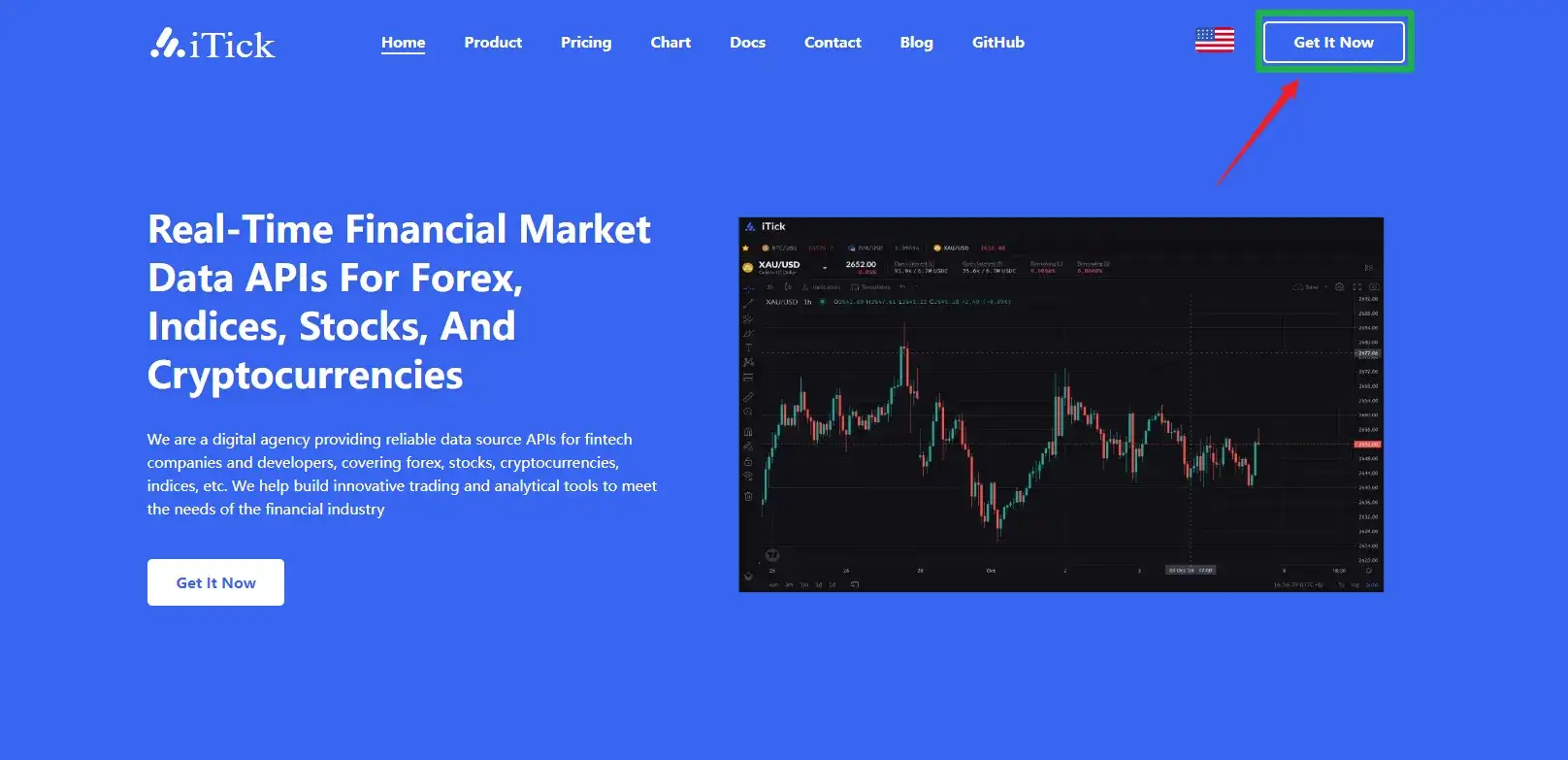
Open the official website iTick Website and click "Get Now" in the upper right corner
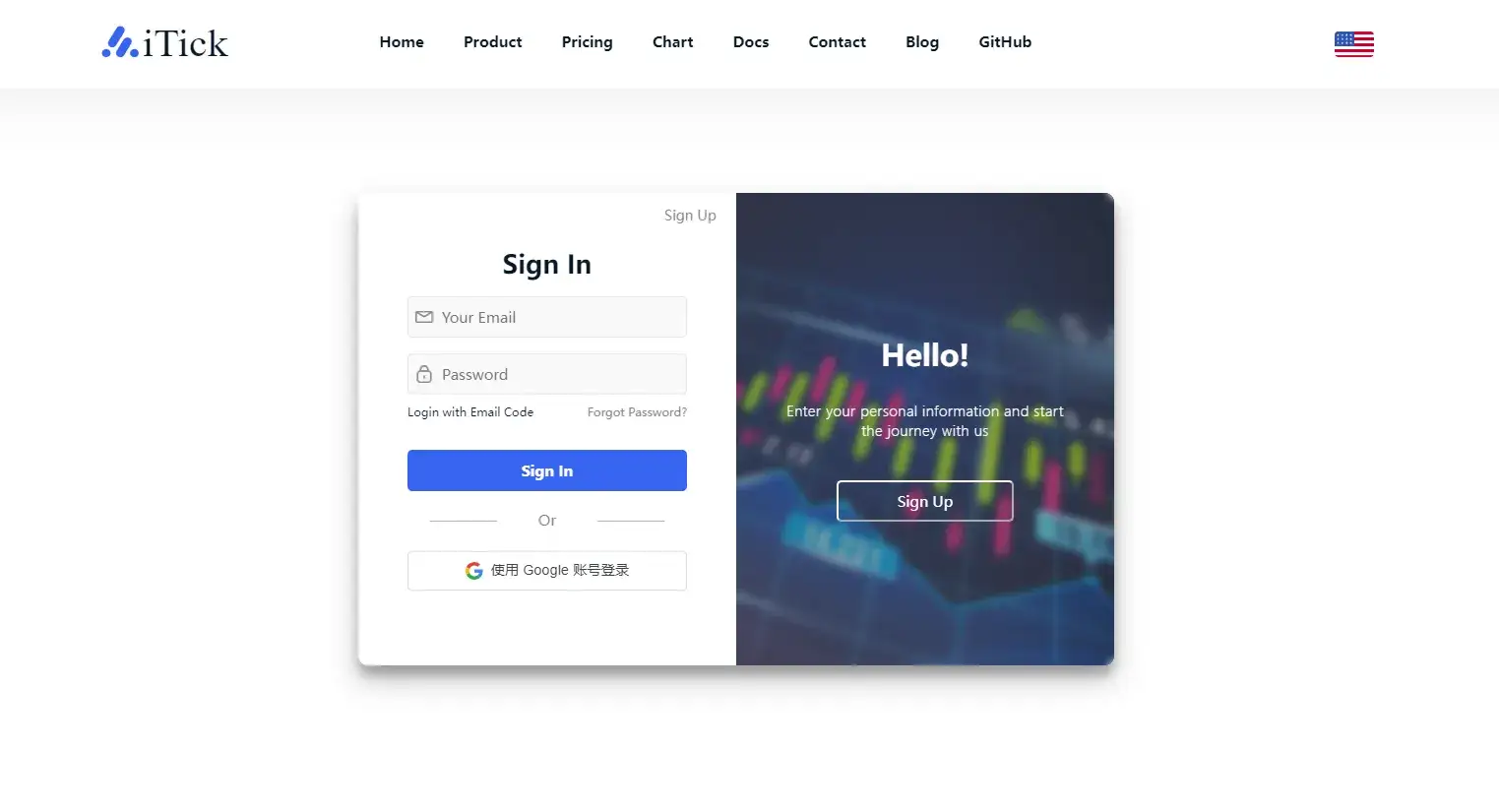
Log in with Google account or Github account
2、API Key Acquisition
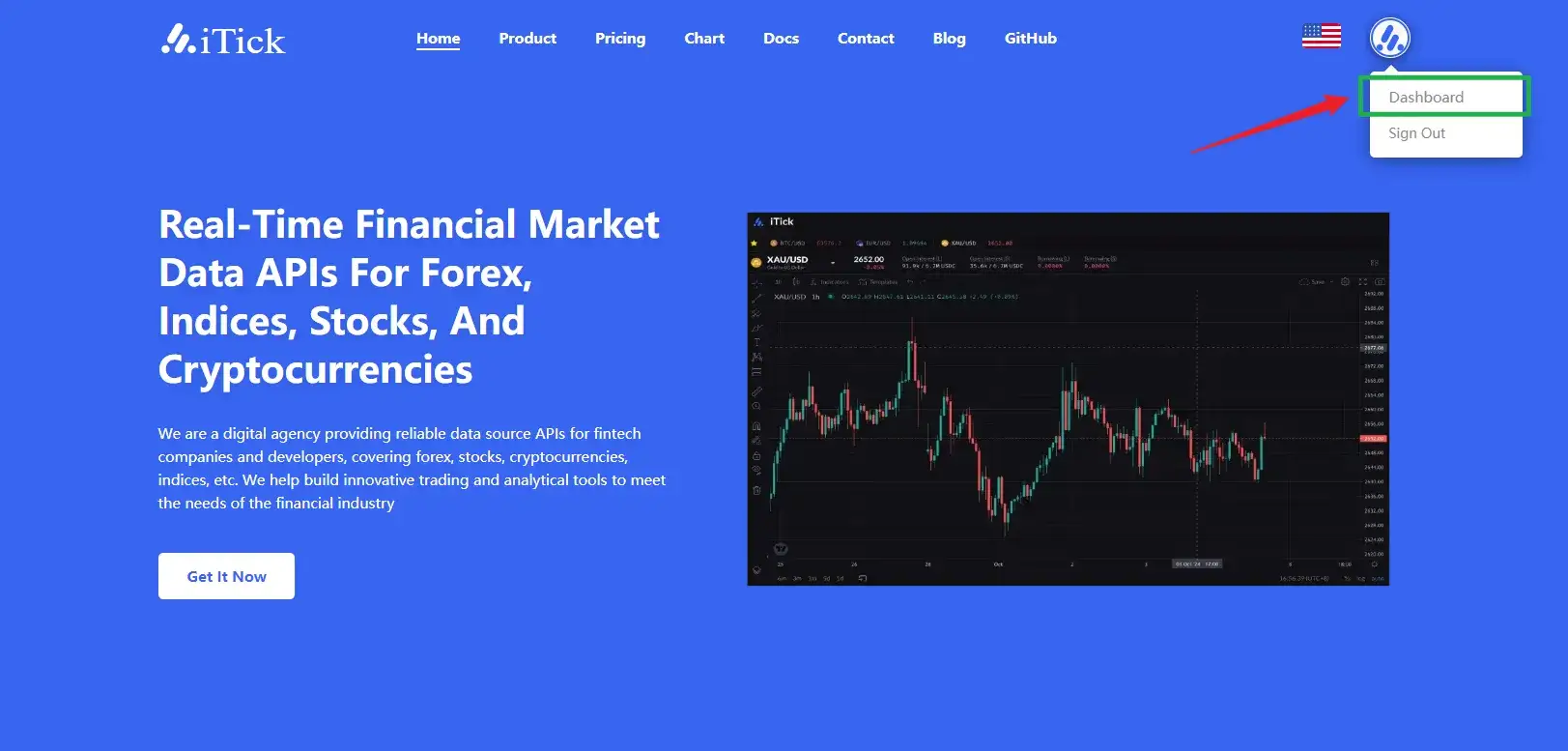
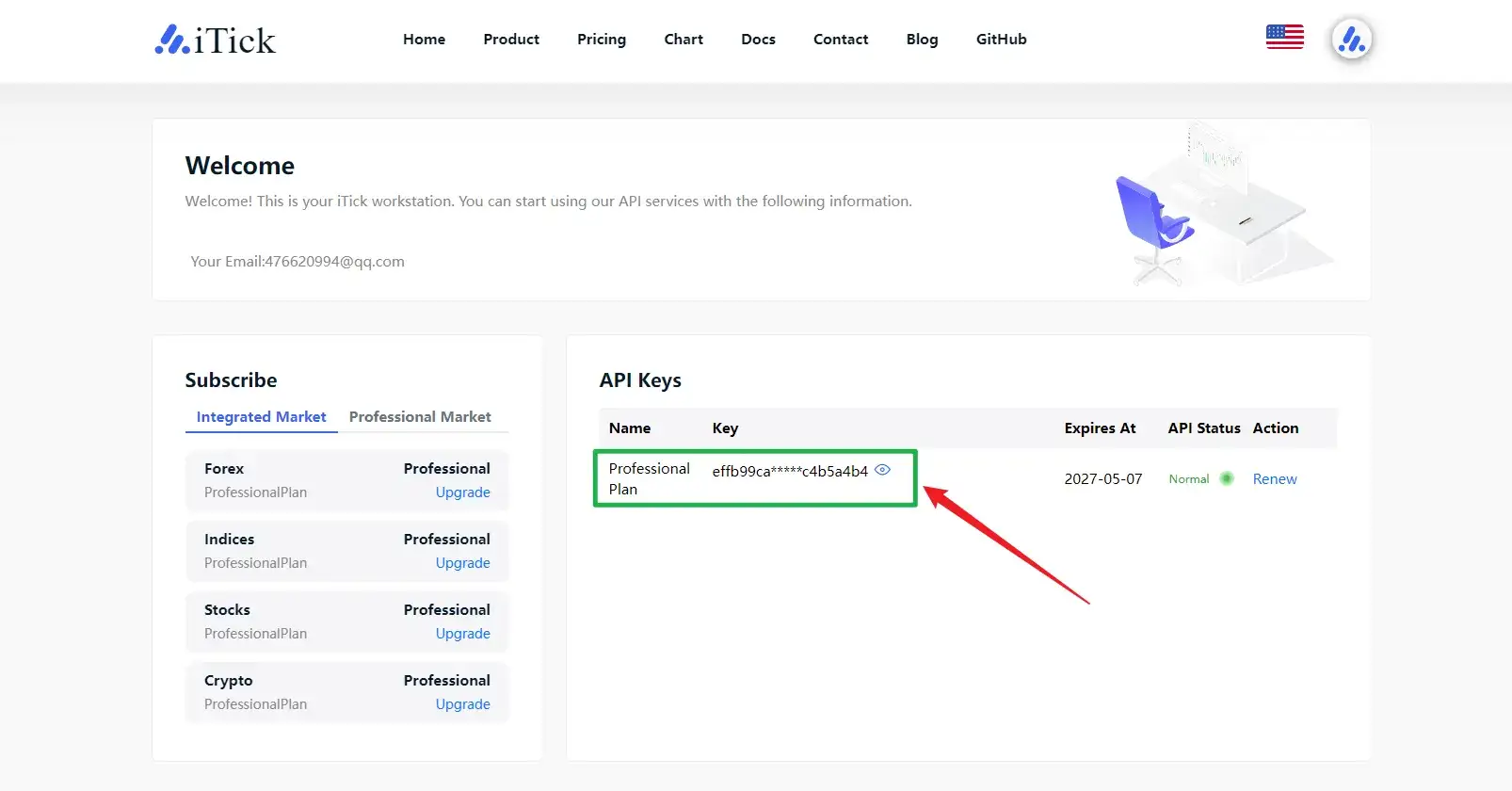
After logging in, visit the iTick dashboard View the API Key. The API Key is unique for each account and serves as credentials for accessing services. Please keep it properly and prevent loss or sharing with others to avoid unnecessary losses. If any of the above situations occur, please contact the staff promptly.
3、Service Introduction
Currently, iTick supports REST services, WebSocket subscription, and FIX protocol, providing services through these three methods; REST API: Latest quotes, market depth, and K-lines of various periods for stocks (A-shares, US stocks, Hong Kong stocks), forex, precious metals, cryptocurrencies, and indices; WebSocket API: Real-time quote push for stocks (A-shares, US stocks, Hong Kong stocks), forex, precious metals, cryptocurrencies, and indices; FIX API: Currently only available to institutional users; You can choose different product services according to actual needs.
- Introduction
iTick official documentation center. Get comprehensive interface references, quick start guides, SDK tutorials and code examples including FIX, REST API and Websocket API. Covering real-time quotes, fundamental data, financial market calendar and more, helping developers and quantitative teams build applications efficiently.
- Api url
Structured presentation of all iTick API request address lists, base URLs and configurations for each environment (production/sandbox), supporting filtering by market (stocks, forex, futures, funds, indices, cryptocurrencies)